Startly
Startup & Software Website
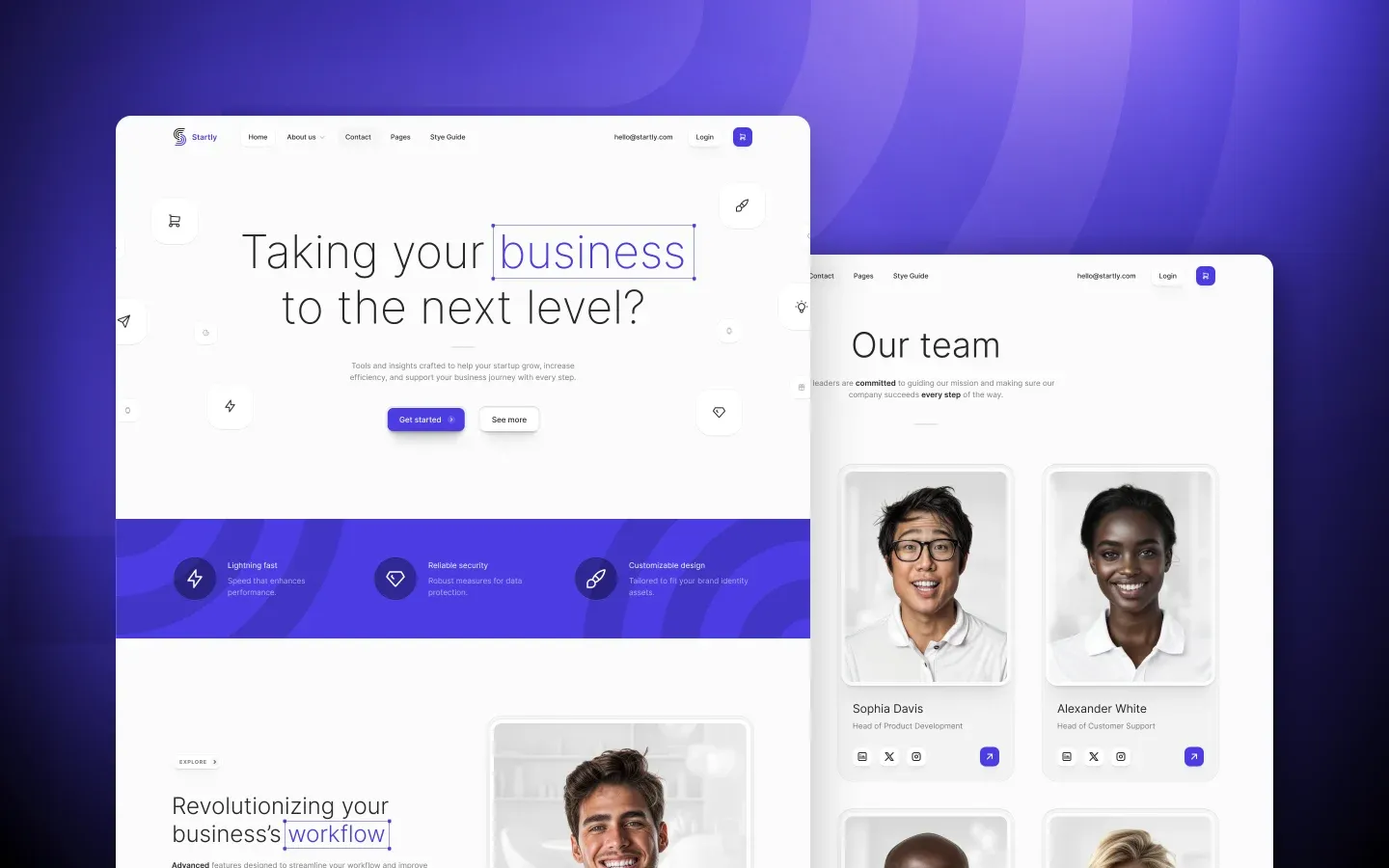
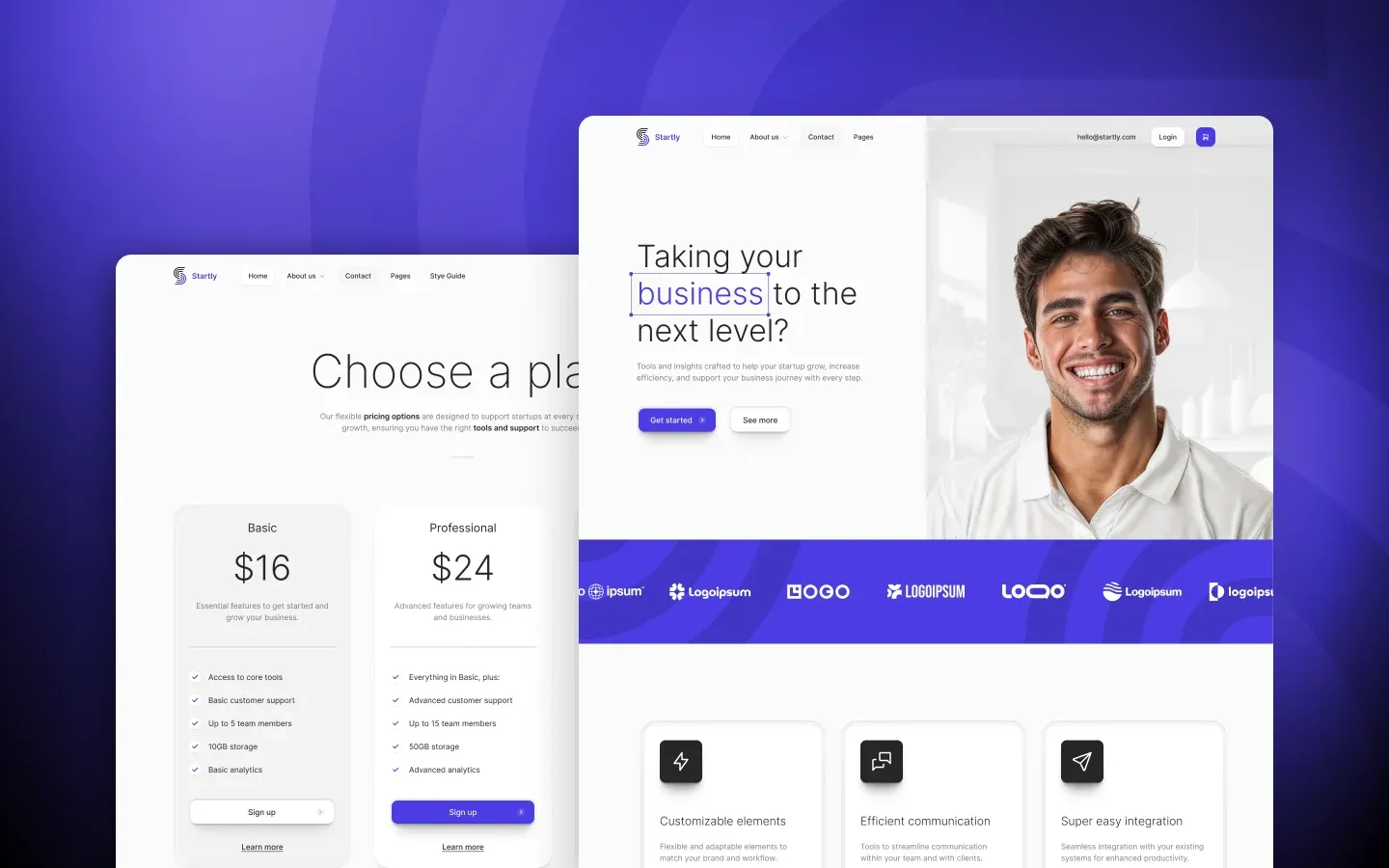
A Webflow template for startups, SaaS products, and consulting practices. Clean, modern design across 42 ready-to-use pages, with CMS, ecommerce, and full account flows included.
- 42 fully designed pages
- Webflow CMS for blog, careers, and team
- Ecommerce-ready with Webflow's built-in store
- Full user account flow (login, register, password)
- Mobile, tablet, and desktop layouts
- SEO-ready meta and OG setup

About Startly
Startly is a Webflow template built for startups, software products, and consulting practices that need a complete website out of the box. Forty-two pages across home variants, services, pricing, careers, blog, ecommerce, and the full user account flow, all wired up and ready to fill with your own content.
I built it on Webflow because Webflow gives you a real visual editor, a real CMS, and ecommerce baked in without wiring up a separate stack. Every section in Startly is a component. Change the brand color in the style guide and it updates across all 42 pages.
The design leans clean and modern with generous whitespace, considered typography, and consistent component patterns across every page. Mobile, tablet, and desktop layouts are wired up everywhere, so the site holds together as a whole rather than feeling like a Frankenstein of stitched layouts.
Who Startly is for
Startly works best for startups that need everything — homepage, about, services, pricing, careers, blog, contact — without piecing together six different templates. For SaaS founders who want a content-rich marketing site rather than a single landing page. For consulting practices and small agencies that need a credible, professional presence with room to grow.
It’s not built for hand-coded apps, headless setups, or projects where you want to design from a blank slate. If you only need a single landing page, Startly is heavier than you need. Different problems, different templates.
Inside the file
Forty-two pages, grouped into a system rather than a pile. Seven home variants, three about pages, a features page, three services pages plus a service detail layout, three pricing pages, three contact pages, three blog templates plus a blog post layout, three careers pages plus a job post template, team and team member pages, ecommerce pages, schedule a demo, FAQ, coming soon, 404, and the full user account flow (login, register, forgot password, confirm email, password page).
Every page is built with reusable components, so changing the navigation, footer, or button styles updates the entire site at once. Web fonts, retina-ready graphics, and CSS Grid layouts are wired up across all pages. Forms are ready to receive submissions through Webflow, ecommerce templates plug into Webflow’s built-in store, and the user account pages give you the full signed-in experience structure if you need it.
The CMS is set up for blog, careers, jobs, and team collections. Add new entries, and the listing pages pick them up automatically. SEO meta fields, OG images, and canonical URLs are wired up on every page.
Why Webflow for a startup template
Most startup templates fall into two camps: flat HTML files that can’t manage content, or platform builders that lock you in with no escape route. Webflow sits in the middle — visual editor for designers, a real CMS for content, ecommerce when you need it, and the option to export static files if you ever want to leave.
If you’ve never used Webflow before, the basics take a couple of afternoons. Once your collections are wired up and your style guide is locked, daily content updates take seconds.
Best for
Early-stage startups, SaaS products, software companies, B2B services, consulting practices, growth strategy firms, business advisory shops, technology agencies, AI companies, productivity tool launches, fintech startups, marketing tech products, healthtech ventures, edtech platforms, professional services agencies, freelance consultants, executive coaches, business strategy consultants, marketing agencies, branding studios, and small-to-mid teams that need a complete startup website without piecing it together.
How to make Startly yours
Buy the template, clone it into your Webflow account, and you have a starting point. Swap the brand colors in the style guide, replace the logo, drop your copy and images into the existing pages, and the site looks like yours. CMS collections (blog, careers, team) populate the listing pages automatically as you add new entries.
If you need more pages, duplicate one of the existing layouts. They’re built so duplication doesn’t break the global styles or component logic. Hosting on Webflow’s CDN works out of the box with a paid Webflow plan, or you can export the static files and host elsewhere.
Frequently asked questions
- Do I need to know how to code to use Startly?
- No. Startly is built entirely in Webflow's visual editor. If you've used Figma or any drag-and-drop builder, the mental model is familiar. The basics take a couple of afternoons to pick up.
- What do I need to publish a Startly site?
- A Webflow account. The free plan publishes to a webflow.io subdomain, which is fine for testing. For a custom domain, ecommerce, or CMS-heavy sites, you'll need a paid Webflow plan. Pricing depends on whether you need a CMS site, an ecommerce site, or both.
- Can I use Startly for client work?
- Yes. The Webflow Marketplace license allows client projects, with one purchase per client site. Full terms are on the marketplace page.
- Does Startly include a CMS?
- Yes. The blog, careers, jobs, and team pages run on Webflow Collections. Add a new blog post or job opening, and the listing pages update automatically. No plugins, no extra setup.
- Can I export Startly to plain HTML?
- Yes, with a paid Webflow plan. Webflow lets you export the full site as static HTML, CSS, and JavaScript files. CMS-driven pages export as static snapshots at the time of export, so dynamic CMS only works on Webflow hosting.
- Will I get updates?
- Yes. When Startly gets new sections, fixes, or improvements, the same purchase covers updates. They show up in your Webflow Marketplace account.
- What if I get stuck while customizing?
- Email yolktemplates@gmail.com. Most questions are about swapping a specific component or wiring a CMS collection, and those usually take a few minutes to answer.